








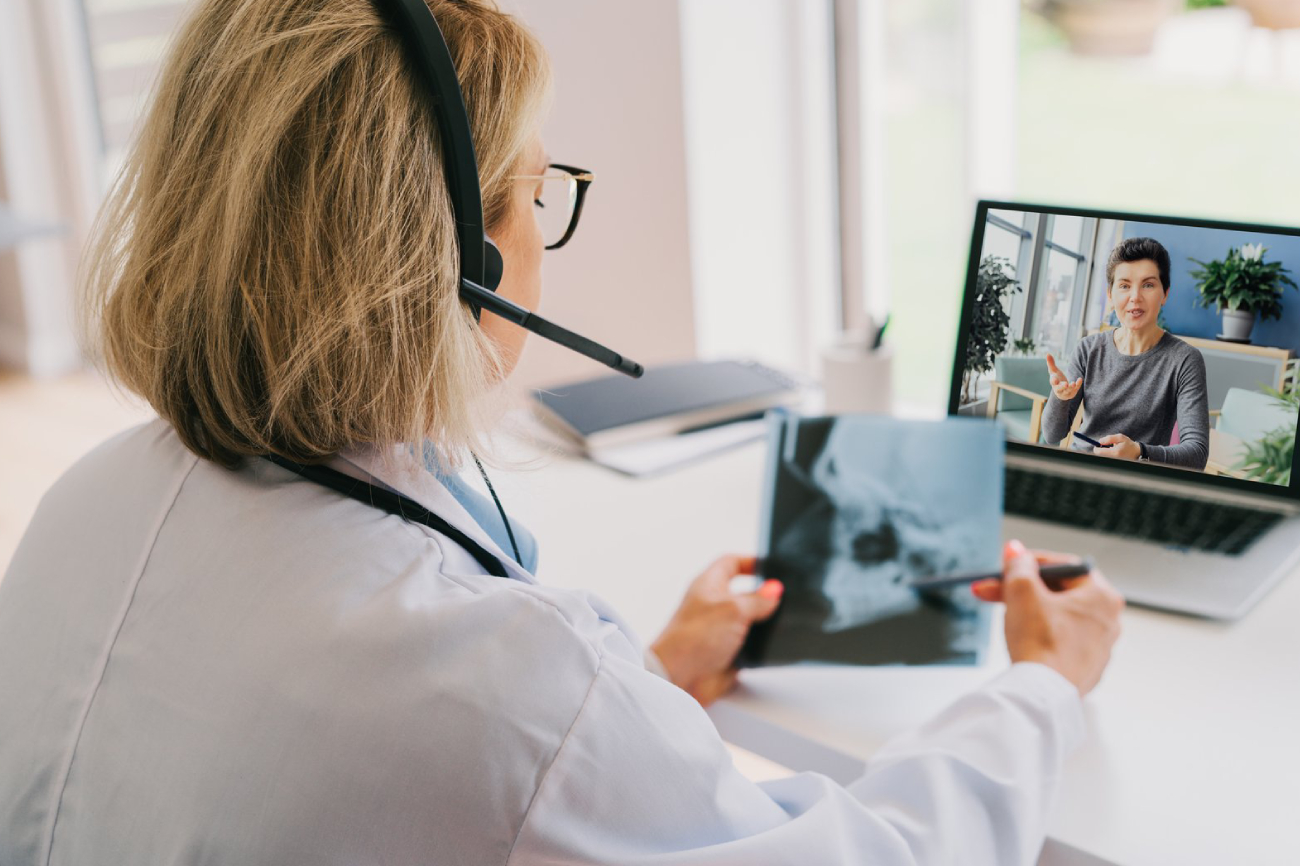
Telemedicine has become an essential part of modern healthcare. It allows clinics to provide consultations remotely, improve accessibility, and increase efficiency without expanding physical infrastructure.
Setting up telemedicine is not just about video calls—it requires proper systems, workflows, and patient experience design.
This guide explains how to set up telemedicine for your healthcare practice step by step.
What is Telemedicine
Telemedicine is the delivery of healthcare services through digital communication tools such as video calls, phone consultations, and online platforms.
It allows patients to consult doctors without visiting the clinic physically.
Why Telemedicine Matters
Telemedicine is not just a trend—it is a strategic advantage.
It helps clinics:
- Reach more patients
- Reduce physical crowding
- Improve convenience
- Increase consultation capacity
It also allows healthcare providers to offer services beyond geographical limitations.
Step 1: Define Your Telemedicine Services
Start by deciding what services you will offer virtually.
Common telemedicine services include:
- General consultations
- Follow-up visits
- Chronic disease management
- Prescription reviews
- Mental health consultations
Not all services are suitable for virtual care, so define clear boundaries.
Step 2: Choose the Right Technology Platform
Your platform is the backbone of telemedicine.
Key features to look for:
- Secure video consultation
- Appointment scheduling
- Patient data management
- Easy user interface
- Mobile compatibility
The system should be simple for both patients and staff.
Step 3: Ensure Data Privacy and Security
Healthcare data is highly sensitive.
You must ensure:
- Secure communication channels
- Encrypted patient data
- Controlled access to records
Patient trust depends on how well you protect their information.
Step 4: Set Up Appointment Scheduling System
Telemedicine requires structured scheduling.
Best practices:
- Separate time slots for virtual consultations
- Avoid overlap with physical appointments
- Allow buffer time between sessions
This prevents delays and confusion.
Step 5: Train Staff and Doctors
Telemedicine requires a different approach compared to in-person care.
Training should include:
- Using the telemedicine platform
- Managing virtual consultations
- Handling technical issues
- Communicating effectively online
Well-trained staff ensures smooth operations.
Step 6: Create a Simple Patient Onboarding Process
Patients should find telemedicine easy to use.
Steps should include:
- How to book an appointment
- How to join a consultation
- What information to prepare
- Payment process
Clear instructions improve adoption.
Step 7: Set Up Digital Payment System
Telemedicine requires online payment options.
Options include:
- Card payments
- Mobile wallets
- Online transfers
This ensures smooth billing and avoids delays.
Step 8: Prepare Consultation Workflow
Virtual consultations need structure.
Typical flow:
- Patient joins session
- Identity verification
- Discussion of symptoms
- Diagnosis and advice
- Prescription or follow-up
Consistency improves quality of care.
Step 9: Integrate Medical Records
Telemedicine should connect with your existing records.
Benefits include:
- Access to patient history
- Better diagnosis
- Continuity of care
Digital integration improves efficiency.
Step 10: Test the System Before Launch
Before offering telemedicine to patients:
- Test video quality
- Check system stability
- Run mock consultations
- Fix technical issues
This prevents poor patient experience.
Step 11: Promote Telemedicine Services
Patients need to know this option exists.
Promote through:
- Website
- Social media
- WhatsApp communication
- In-clinic awareness
Clear communication increases usage.
Step 12: Monitor Performance and Improve
After launch, track:
- Number of virtual consultations
- Patient feedback
- Technical issues
- Revenue contribution
Continuous improvement ensures long-term success.
Common Challenges in Telemedicine Setup
Be prepared for:
- Technical issues
- Patient unfamiliarity
- Connectivity problems
- Limited physical examination
These challenges can be managed with proper planning.
Final Thoughts
Setting up telemedicine is one of the most effective ways to modernize your healthcare business.
When implemented correctly, it:
- Expands your reach
- Improves efficiency
- Increases patient convenience
- Generates additional revenue
Telemedicine is not just an add-on—it is a core part of future healthcare delivery.